
How to set up your Roku Streaming Stick 4K
**How do I set up my Roku Streaming Stick 4K? **
- Connect the Roku to an available HDMI port on your TV.
- Plug the USB power cable to a power outlet using the power adapter, or to an available USB port on your TV.

- Switch your TV to display the correct HDMI Input. Once done, you should see the Roku setup guide on your TV.
- Select your preferred language to start.

- Choose Wireless on the next page

- Select your Wi-Fi network and type your Wi-Fi password


- The device will test your Wi-Fi and Internet connection

- One connected to the Internet, the device will check and download the updates if available.

- Confirm your display settings and click OK
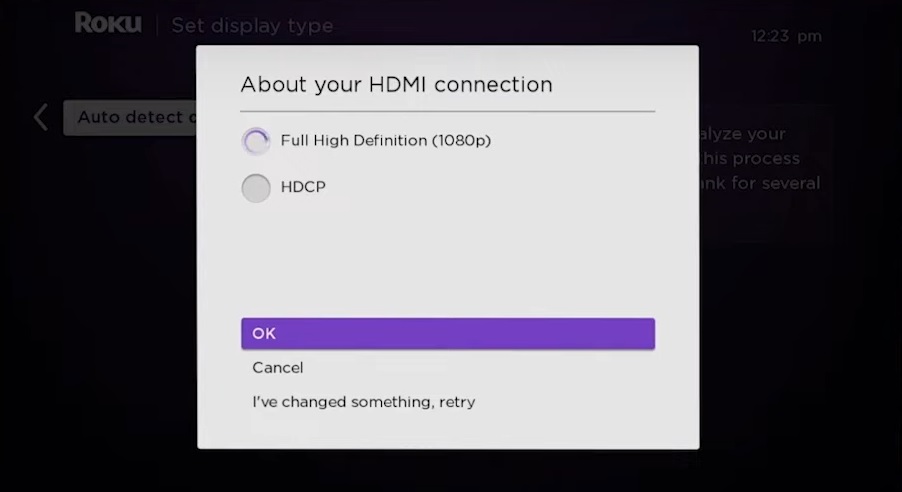
- Link your device to your Roku account or create a new one if you don't have one yet.
- Follow the on screen guide to create or link your account.

- Add your channels/apps.
- Search for BeaverTV and add it (you can also do this later after the setup)
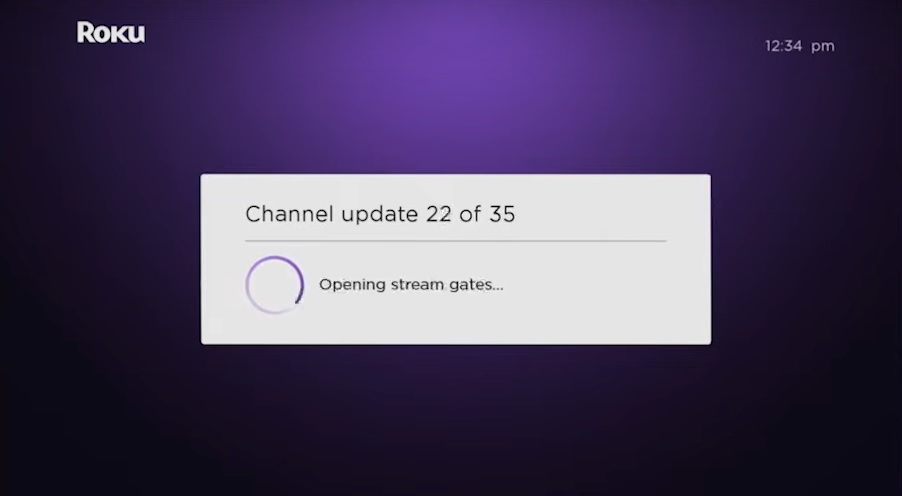
- Your channels/apps will be loaded to your Roku and ready to use once done.
Updated on: 02/03/2026
Thank you!